
I–VII
Choose a Root Degree With Your Left Hand
Move your left palm across seven lanes. The selected lane becomes a root from the current major scale: I through VII. A cyan pulse confirms the root after it stabilizes.
Browser instrument
Turn your webcam into an instrument. Move left for a root; show a right-hand shape for a chord.
Loading the instrument…
In Safari, open this website’s settings and allow Camera. In Chrome or Edge, use the permissions icon beside the address. Close other camera apps, then try again. Sound also needs a tap on this page.
Reload pagePlay the air piano without a cameraCamera is off
Click Start camera to begin
Root degree unavailable. Chord muted. Camera is off.
Choose CKeep the key on C. Move your left palm to lane I at any comfortable height and hold briefly.
Show one fingerFace your right palm toward the camera. Extend only your index finger and tuck your thumb.
Raise for soundLift your right palm for more volume. The chord readout should change from Muted to C.
Right-hand fingersChord shape
Left handMove your palm across I–VII at any comfortable height and hold briefly.
Right handMove your palm up or down for volume; left or right for a darker or brighter tone.
Still muted?Keep both palms and fingertips visible, separate your hands, and stay inside the comfortable center of the camera view.
Play C → G → Am → F
Left handI → V → VI → IV
Right-hand fingers1 → 1 → 2 → 1
Private by design: camera frames and recordings stay in your browser and are never uploaded.
Learn the gestures
Two hands, one camera, and a short path from motion to music.
Live signal path
Local / readyGesture Synth takes the shortest path from curiosity to sound. There is no account, download, microphone request, or setup wizard. Start the camera, keep both hands visible, and the instrument responds on this page. The live display shows what the tracker understands, connecting each movement to the chord you hear.
The left hand moves across seven root-degree lanes. The right hand chooses a chord quality by the number of extended fingers. Its vertical position shapes volume, while its horizontal position opens or closes the filter. Timing and smoothing keep uncertain frames from triggering new chords.
Explore more hand gesture music: play individual notes on the air piano or glide between pitches with the online theremin.
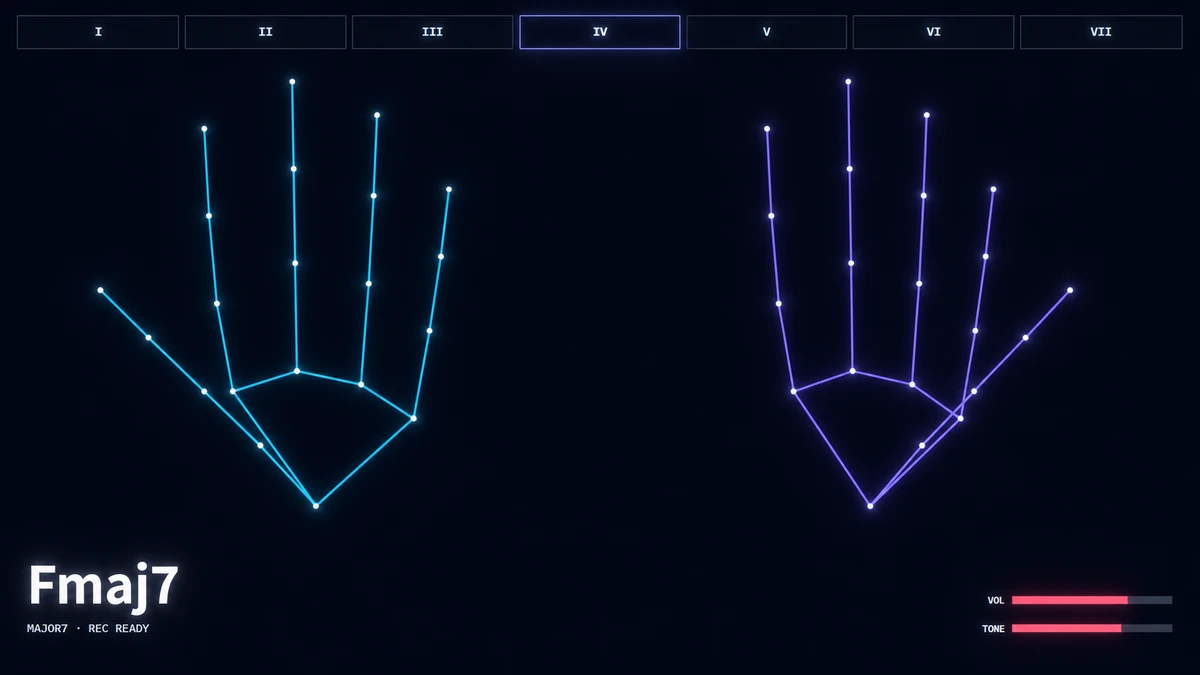
Motion becomes harmony
A gesture synth replaces keys or pads with body movement. This browser version uses a webcam to locate hand landmarks, then turns stable signals—position, visible fingers, and motion—into musical instructions for the built-in synthesizer.
Camera, tracking, chord, volume, and tone stay on one stage, so the control system remains visible. If a hand leaves the frame, the interface identifies the missing role and mutes smoothly.
Your hands are the controls
Use this on-stage map as a quick reminder while you play. For camera setup, hand positioning, a first progression, and tracking fixes, follow the full beginner guide.
Move your left palm across seven lanes. The selected lane becomes a root from the current major scale: I through VII. A cyan pulse confirms the root after it stabilizes.
Make a fist to mute. One finger selects Major, two Minor, three Dominant 7, four Major 7, and five Sus4. Root and quality remain independent, leaving room for playful combinations.
Raise your right palm for more volume and lower it for less. Move horizontally to change the tone filter. Smoothed values produce steadier swells with less audible stepping.
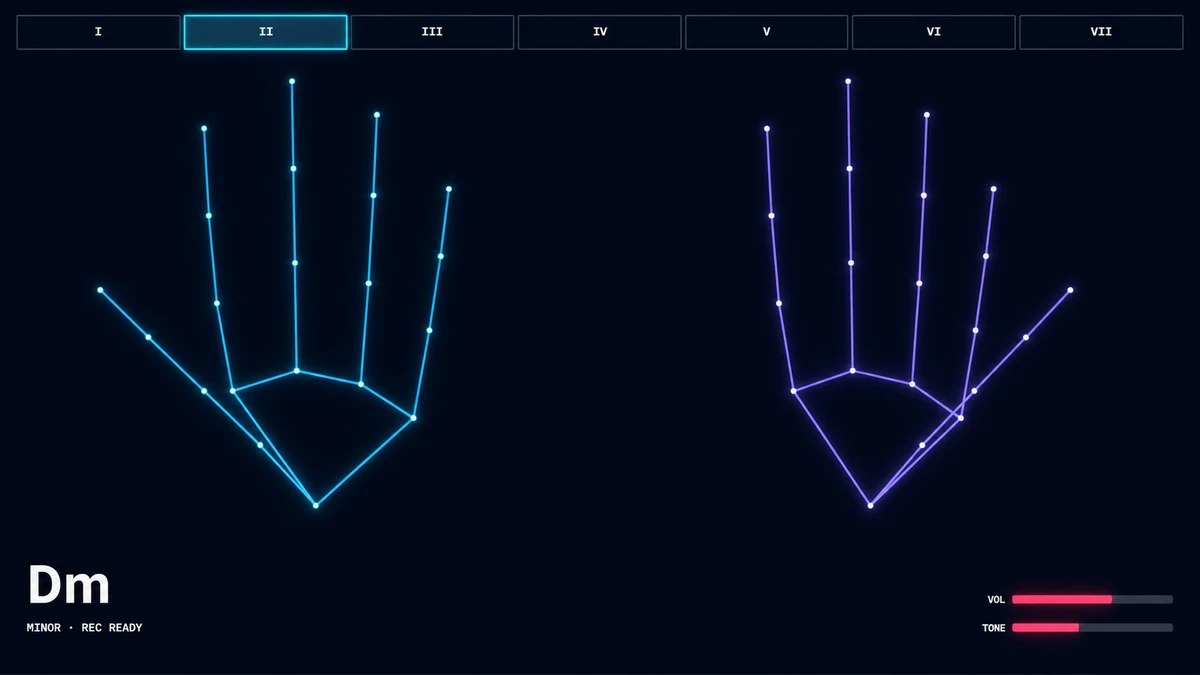
One grid, every chord
The key selector supplies seven I–VII root lanes from the current major scale. Your right-hand finger count applies Mute or a chord quality independently to the selected root.
Use the quick 0–5 map while playing. The complete chord guide adds an interactive 12-key reference, chord formulas, and beginner progressions.
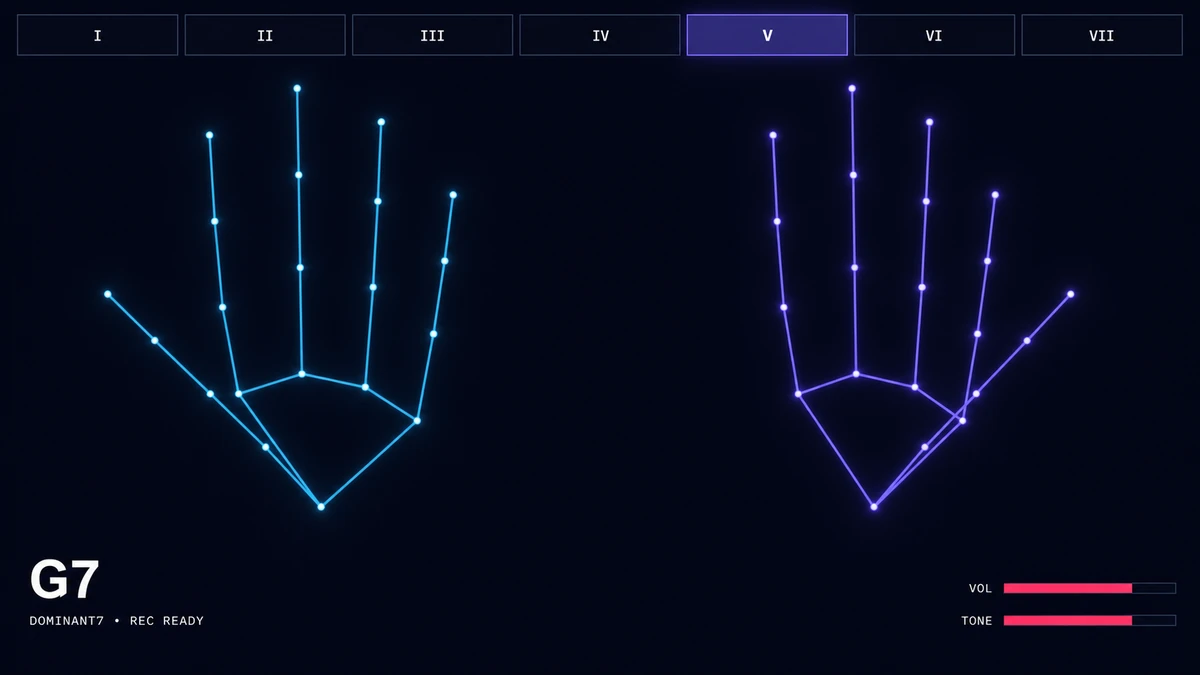
Built for immediate play
Explore timing, movement, and harmony without stopping to configure a conventional instrument.
Use the live root and chord readouts for classroom demonstrations or a first introduction to synthesis.
The sound engine and hand tracking run on your device instead of waiting on a round trip to an AI service.
Fifteen-second local recording is optional; playing never depends on recording support.
Privacy status
Gesture Synth requests webcam video only after you press Start camera and never requests microphone audio. Frames stay in the page for local analysis. A recorded performance uses a temporary browser file URL that disappears when you discard the take or close the page.
Current Chrome and Edge on desktop or Android provide the primary experience. Other browsers can play when camera, Web Audio, WebAssembly, and MediaPipe checks pass. If permission is denied, the page explains how to enable it and retry.
Read the full privacy policyInstrument support
Camera, tracking, browser, and chord answers.
It is a synthesizer controlled by physical movement. This version converts webcam hand landmarks into root, chord-quality, volume, and filter controls.
Press Start camera, allow access, and place both hands in frame. Move your left hand between root lanes and use right-hand finger counts for chord quality.
Your left hand selects the root degree by horizontal position. Your right hand selects Major, Minor, Dominant 7, Major 7, Sus4, or mute.
No. Frames remain in your browser for local hand tracking. The site has no camera upload endpoint, account, or cloud recording storage.
It targets current Chrome on Android and adapts the stage for portrait screens. Performance depends on the device, browser, lighting, and available memory.
Use brighter, even light; move farther from the camera; keep all fingertips visible; separate your hands; and avoid a busy background. Then try again.
Current Chrome and Edge are the main targets. Safari and Firefox can play only when their camera, Web Audio, WebAssembly, and MediaPipe capabilities pass at runtime.
Instrument ready